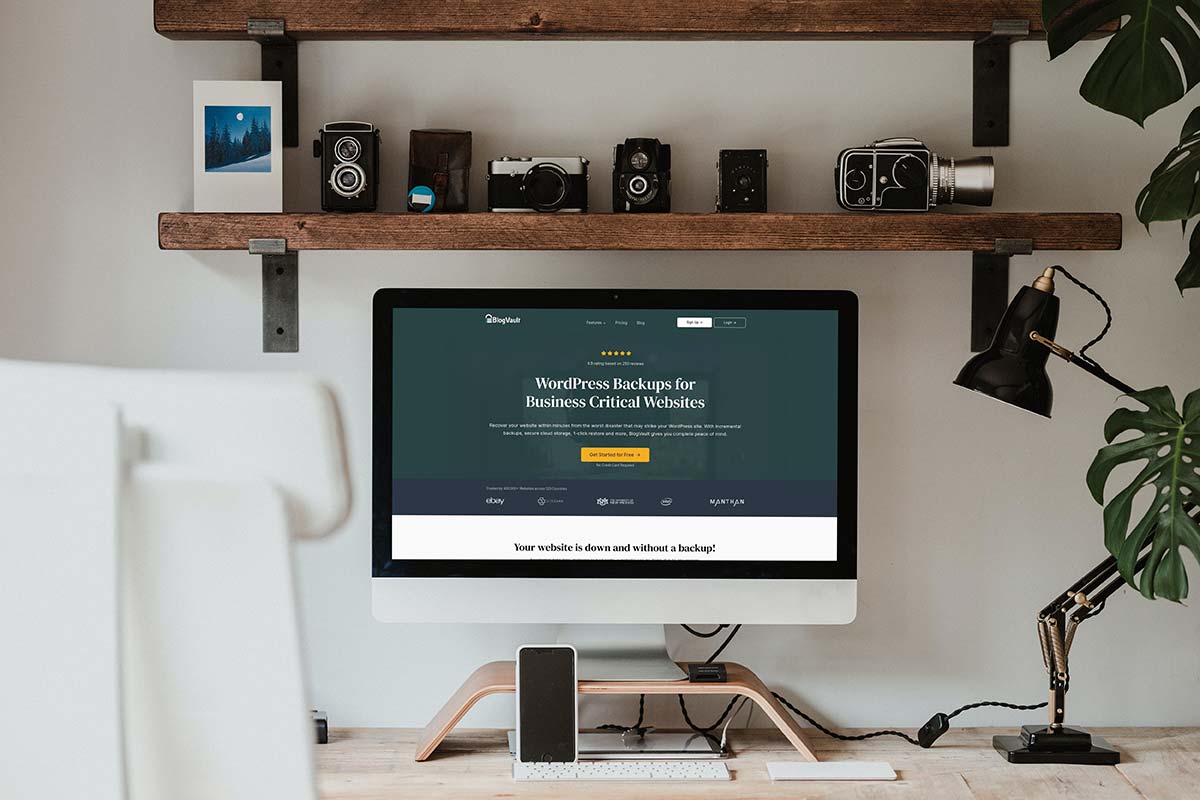
How to use BlogVault Staging
How to use BlogVault Staging? Whenever I design and build a new website for a client, I always create a development website, export blog posts and featured images via XML.
Then once the website is finished move the new website to the clients domain and link the images to the posts.
Is Blogvault Staging is a better option
However, for some clients who solely blog it may be better to use a Staging site instead. BlogVault’s Staging Option is perfect for this kind of website. Here are a few tips and advice that I would highly recommend before you jump into this option.
- Before you begin make sure that the website you are working with is up to date and the PHP is on the correct level for the theme you will be using.
- Next thing after you have created the staging site is to extend the site to the full 56 days and then make sure you not this date on your calendar or scheduler so you know when that date is looming.
- Once you have extended the date, the next thing that I recommend is that you then also add the staging site to your BlogVault back up, so if something were to go wrong you have a backup.
- Remove any plugins that are no longer required. If you are creating a website for a client have a conversation with them to make sure you aren’t removing a plugin that they use.
- Once you have done all of the above, you are ready to begin.
- One final tip is, I would highly recommend that you add the staging to your BlogVault account, just in case you need to roll the website back.
- At the time of writing this post, WooCommerce websites are not supported with BlogVault Staging..
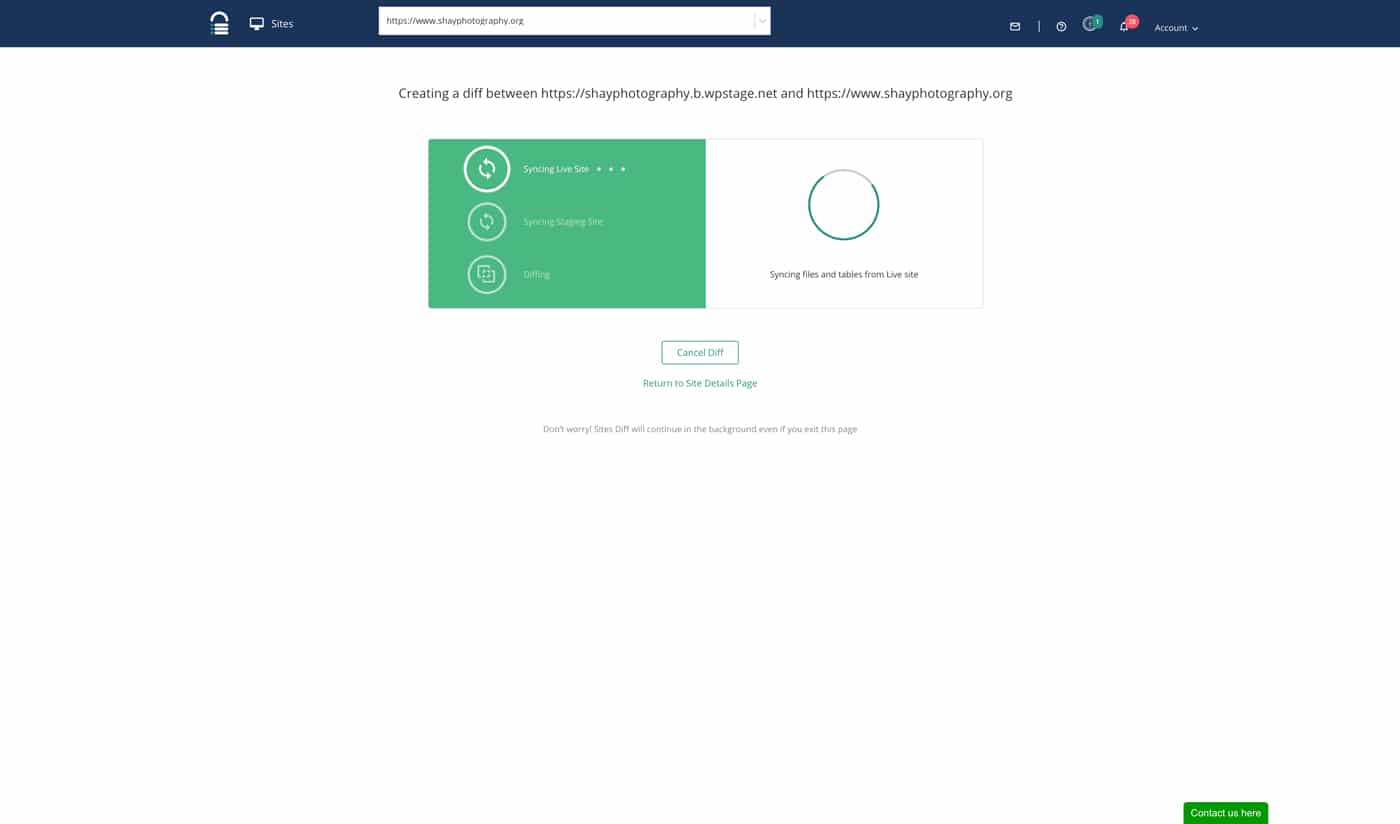
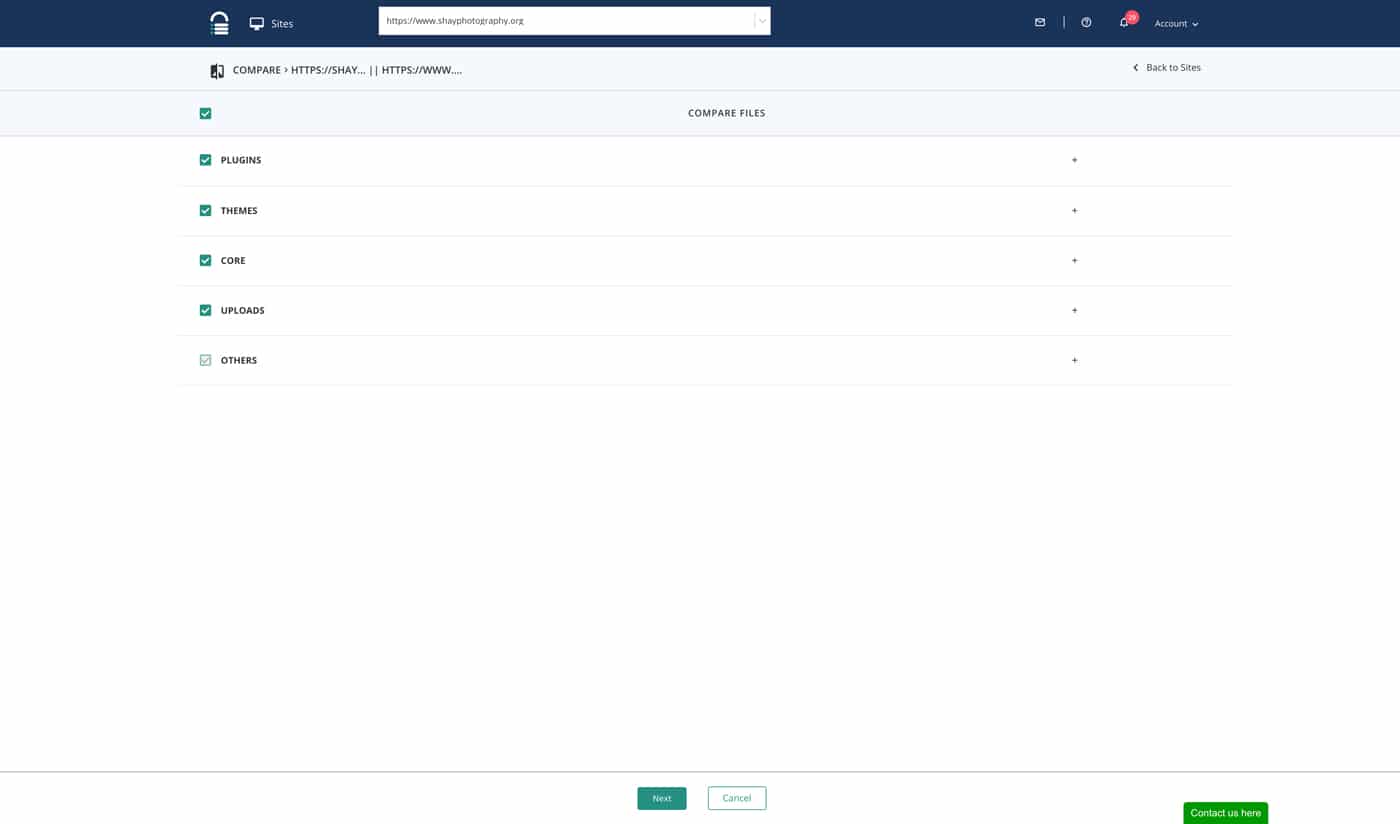
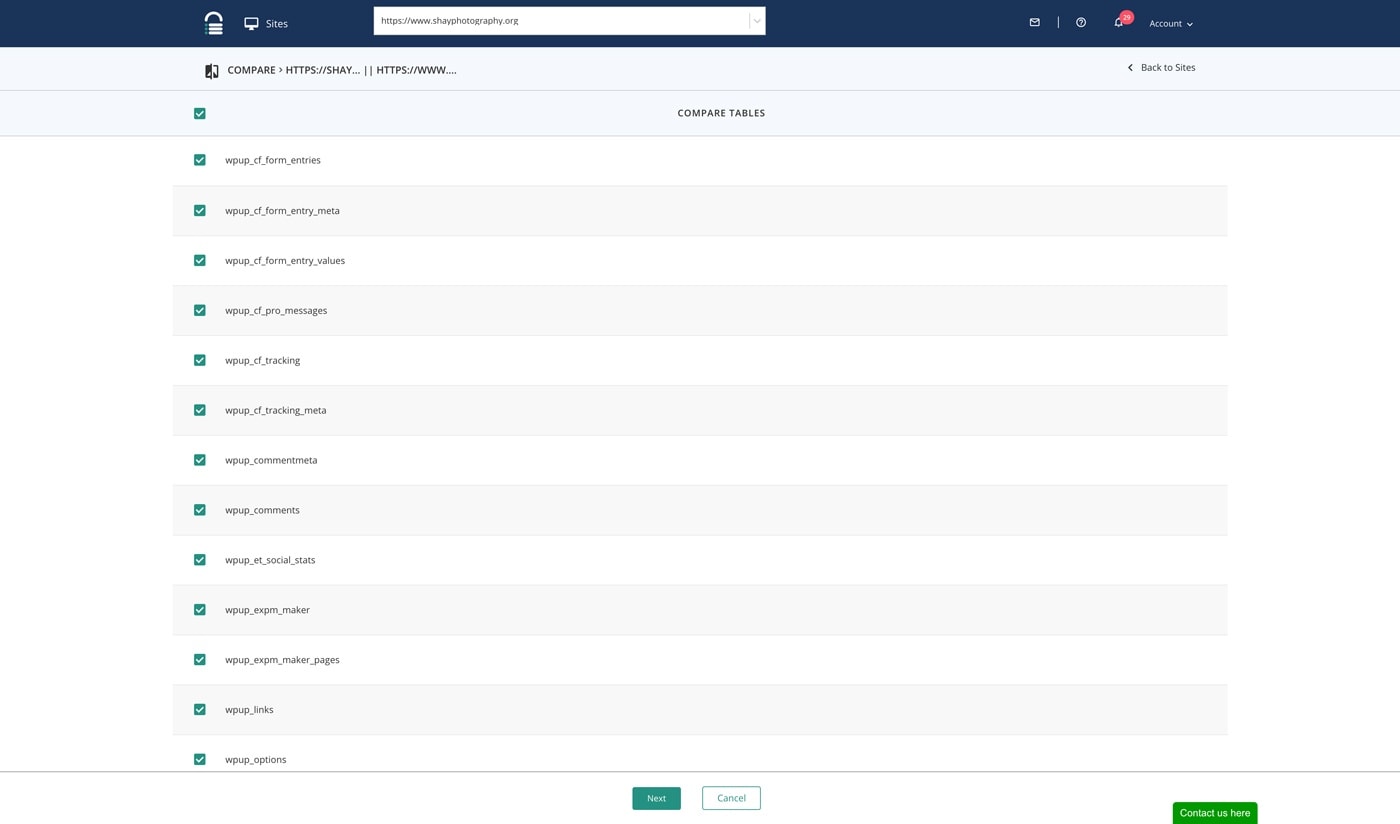
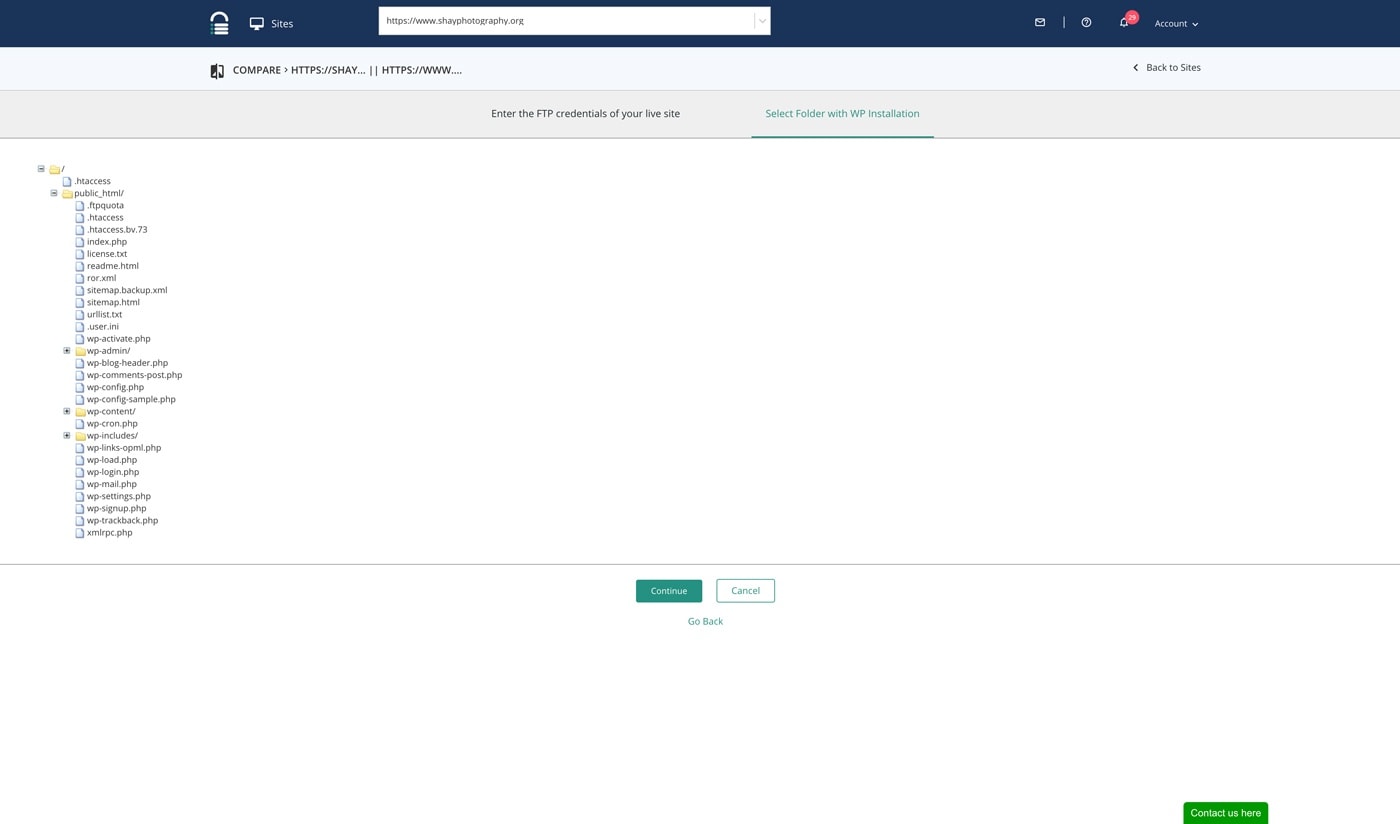
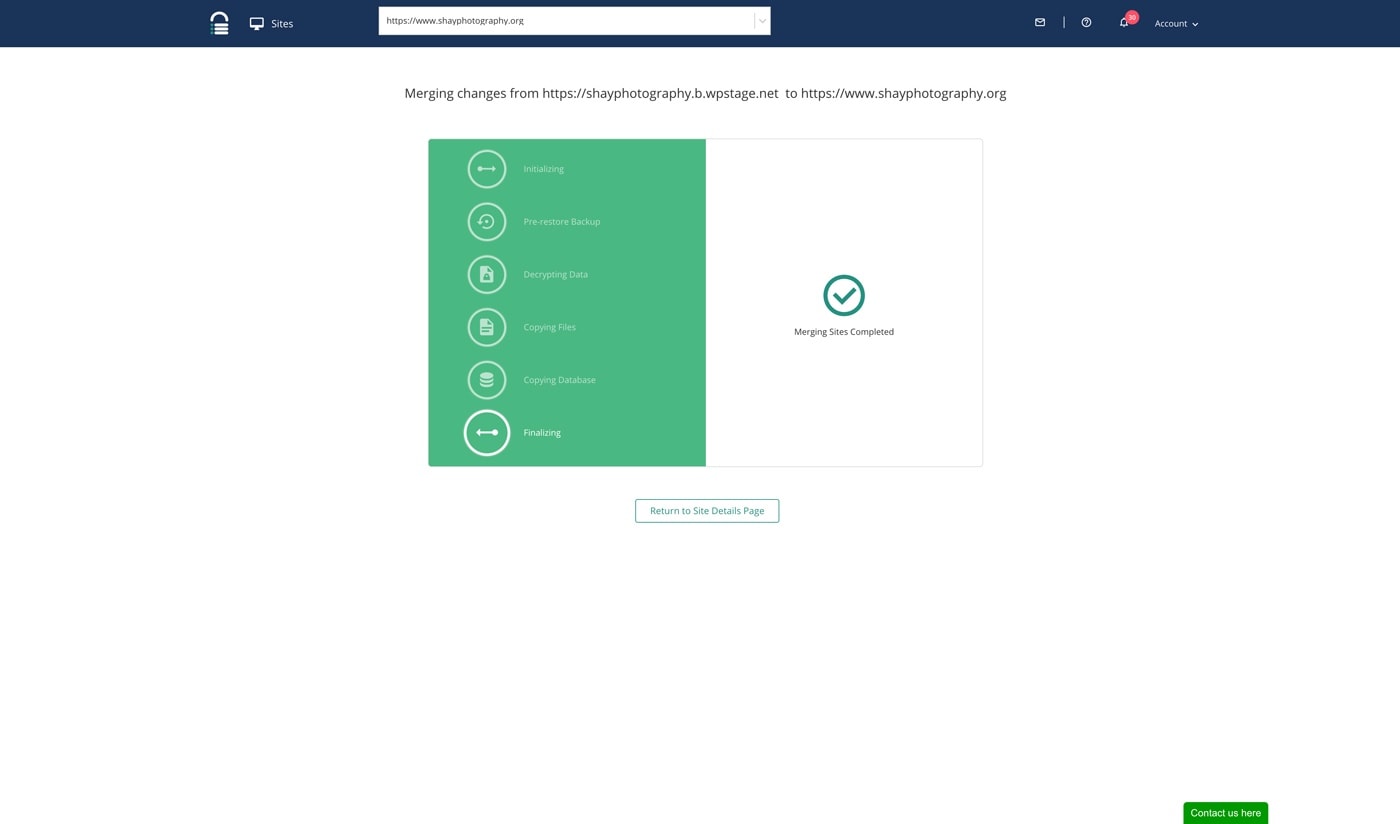
Once you have finished the website, it’s simply a case of merging the website back to the main domain, the steps below show the process that BlogVault takes you through.
BEWARE don’t assume when you see the first set of syncing that that is the job done! There are four more stages after this.
Any questions on using Blogvault Staging?
I hope that you found this post on using BlogVault Staging useful? If you have any questions please contact me.
You may also like to read this post about BlogVault Backup and Security