How To Use Bertha AI To Write Copy
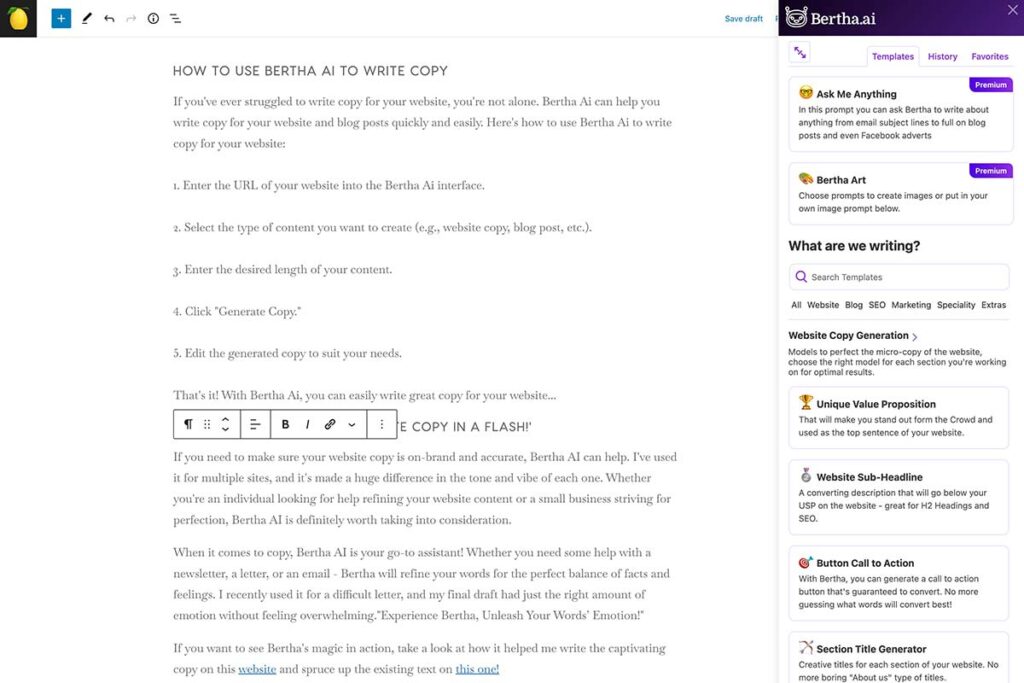
If you’ve ever struggled to write copy for your website, you’re not alone. Bertha Ai can help you write copy for your website and blog posts quickly and easily. Here’s how to use Bertha Ai to write copy for your website:
1. Enter the URL of your website into the Bertha Ai interface.
2. Select the type of content you want to create (e.g., website copy, blog post, etc.).
3. Enter the desired length of your content.
4. Click “Generate Copy.”
5. Edit the generated copy to suit your needs.
That’s it! With Bertha Ai, you can easily write great copy for your website…
‘Bertha AI: Perfect Your Website Copy in a Flash!’
If you need to make sure your website copy is on-brand and accurate, Bertha AI can help. I’ve used it for multiple sites, and it’s made a huge difference in the tone and vibe of each one. Whether you’re an individual looking for help refining your website content or a small business striving for perfection, Bertha AI is definitely worth taking into consideration.
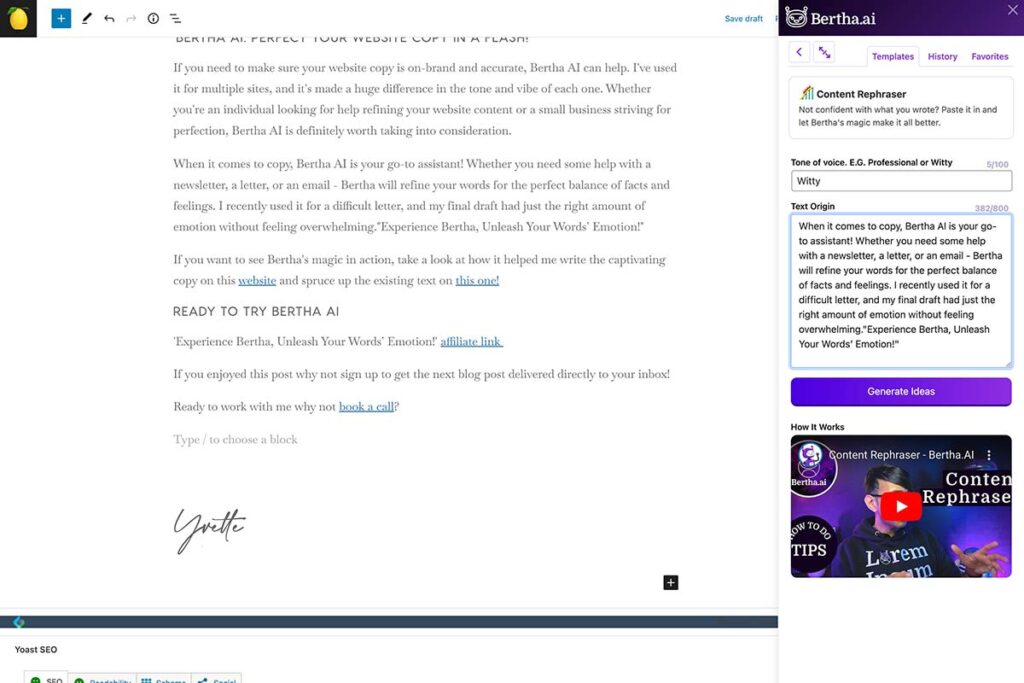
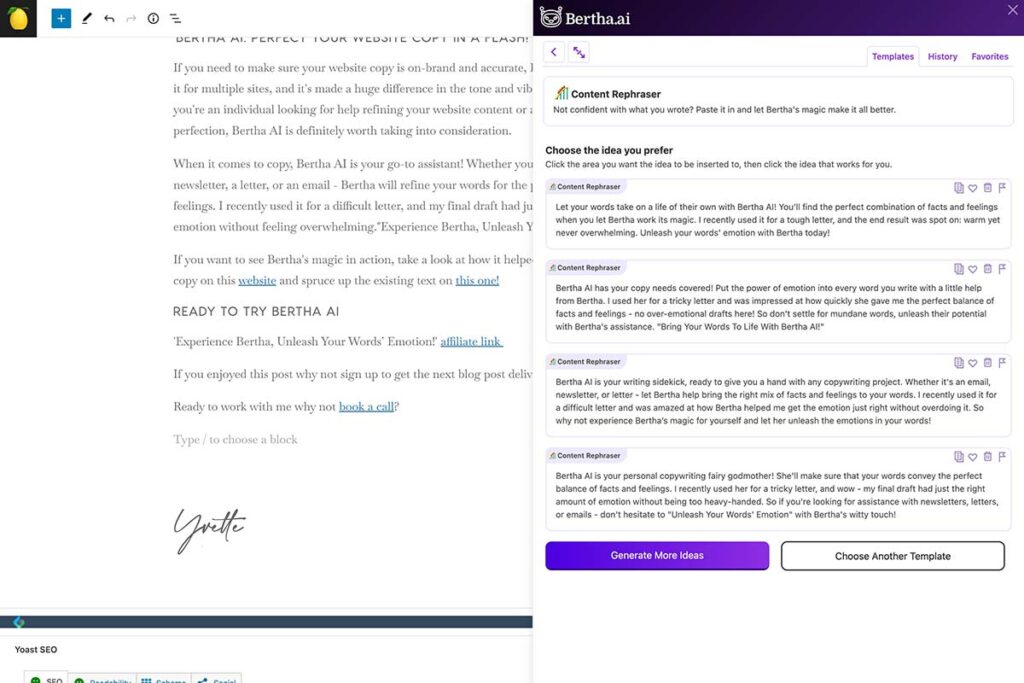
When it comes to copy, Bertha AI is your go-to assistant! Whether you need some help with a newsletter, a letter, or an email – Bertha will refine your words for the perfect balance of facts and feelings. I recently used it for a difficult letter, and my final draft had just the right amount of emotion without feeling overwhelming.
If you want to see Bertha’s magic in action, take a look at how it helped me write the captivating copy on this website and spruce up the existing text on this one!
Ready to try Bertha AI
‘Experience Bertha, Unleash Your Words’ Emotion!’ affiliate link
If you enjoyed this post why not sign up to get the next blog post delivered directly to your inbox, sign up below.
Ready to work with me why not book a call or click the link under this post.